
 // ON-DEVICE DOCUMENT VAULT · Android 8.0 (API 26)+ · NO ACCOUNT
On-Device Vault.
Total Ownership.
Your Papers Stay on Your Phone.
MrTrust Vault replaces risky cloud drives with an on-device vault for your documents. Scan pages with the camera, keep PDFs in app-private storage, and get reminded before anything expires — no account and no document sync.
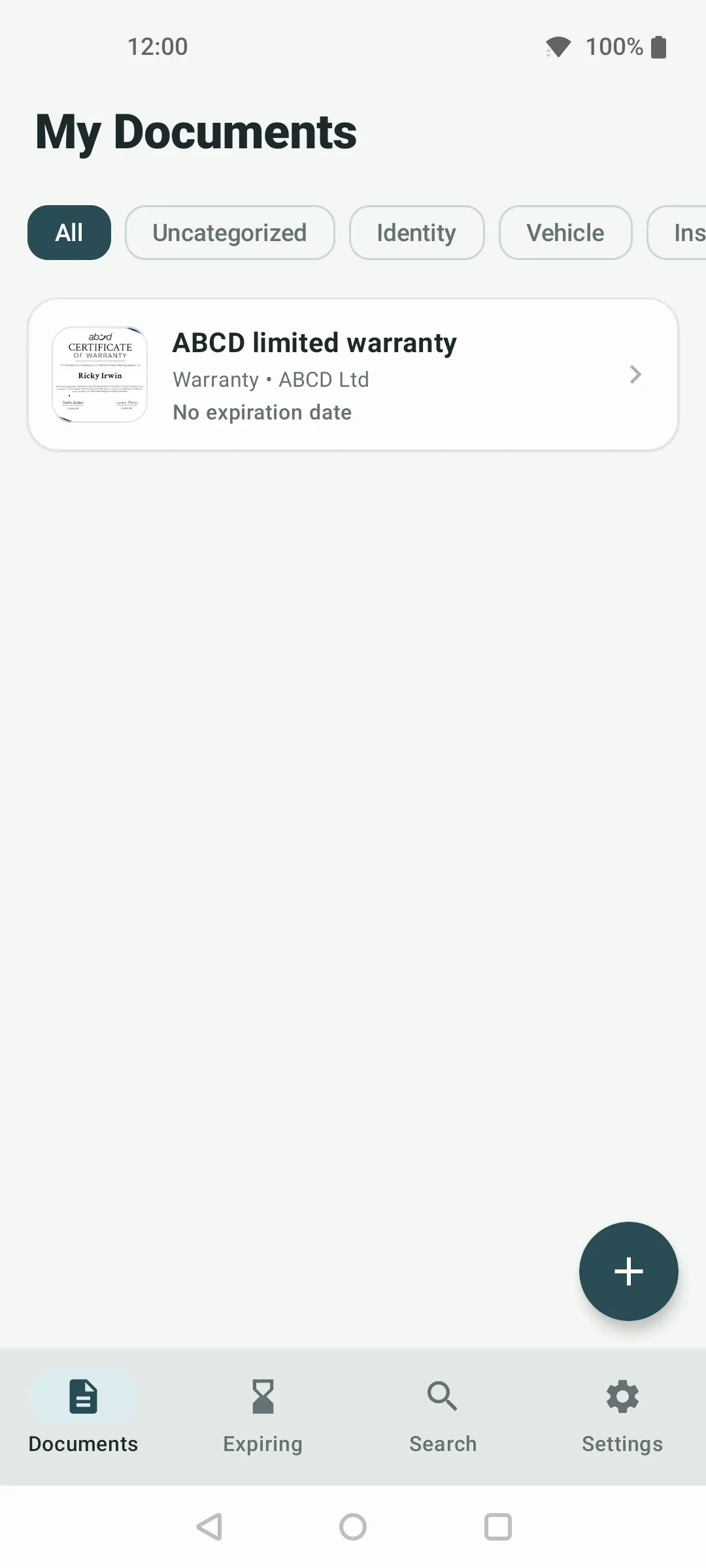
[App-private sandbox] · Backups excluded · No account
// CORE VAULT CAPABILITIES
Everything you need, nothing that spies on you.
Built for people who refuse to hand passports, licences, policies and contracts to commercial cloud servers.
Camera Scan & Import
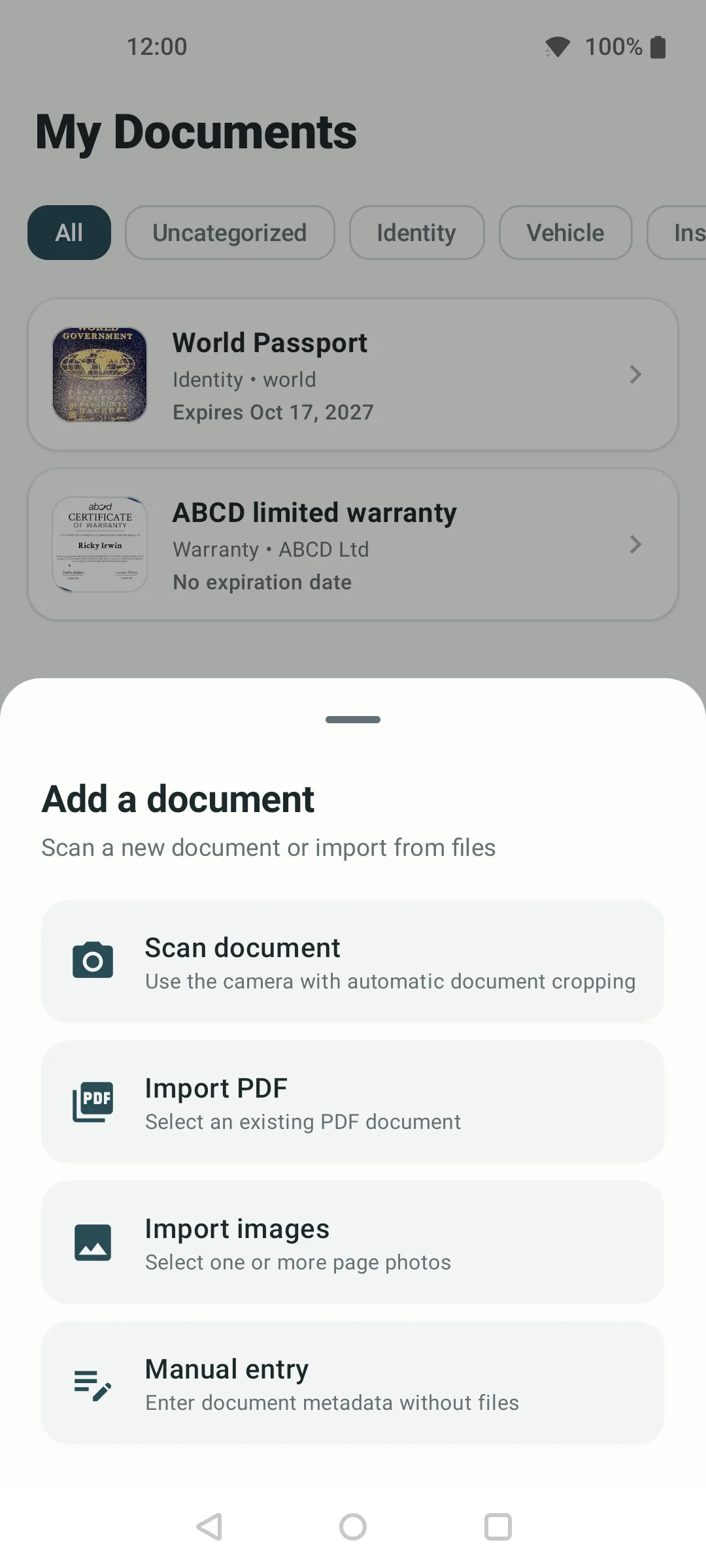
Document scanning with automatic cropping, single or multi-page. Import existing PDFs or page photos — or create a manual record with no files at all.
# vault intake pipeline — all local
SCAN camera -> auto-crop -> page-01..n
IMPORT *.pdf / *.jpg via system picker
MANUAL title + dates, zero files
network calls during scan/import: 0
Autonomous Expiration Radar
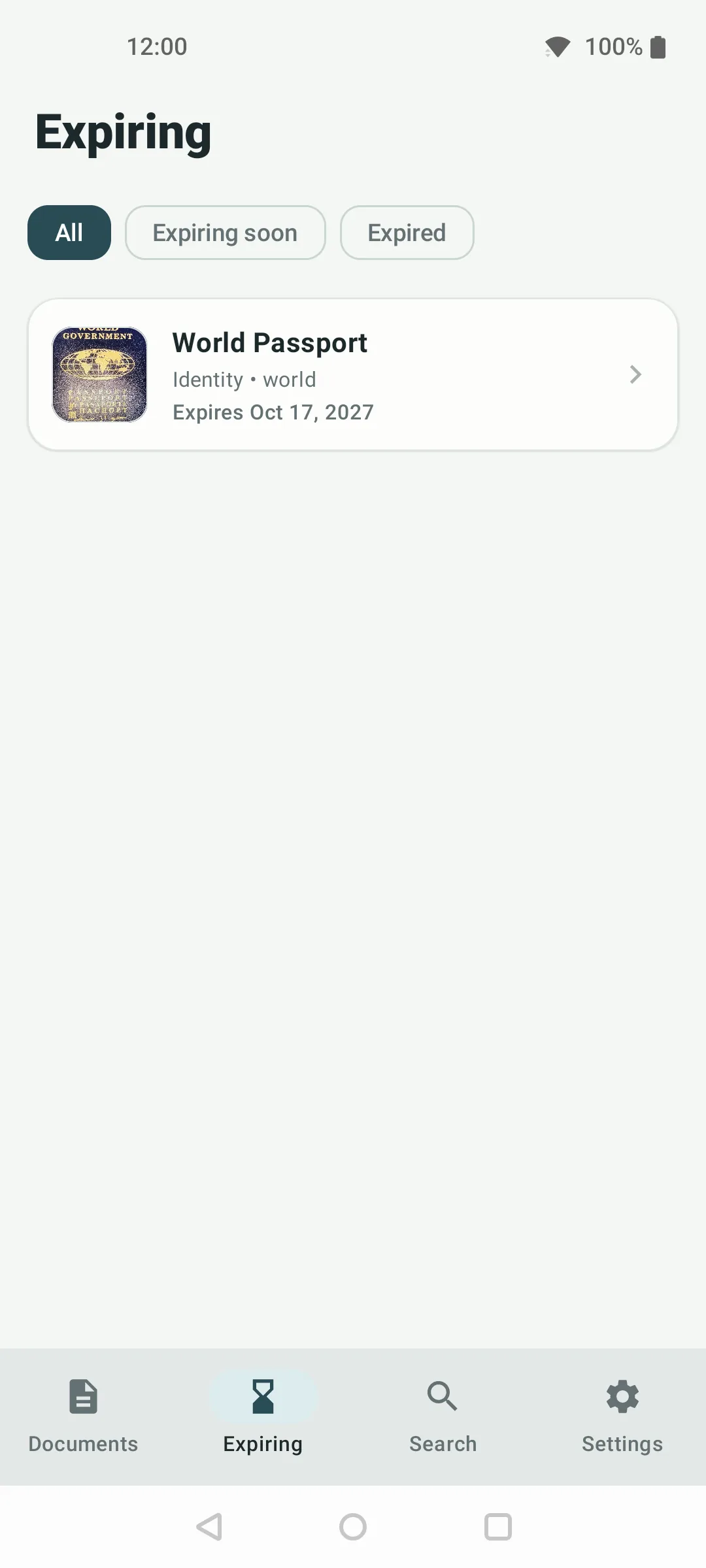
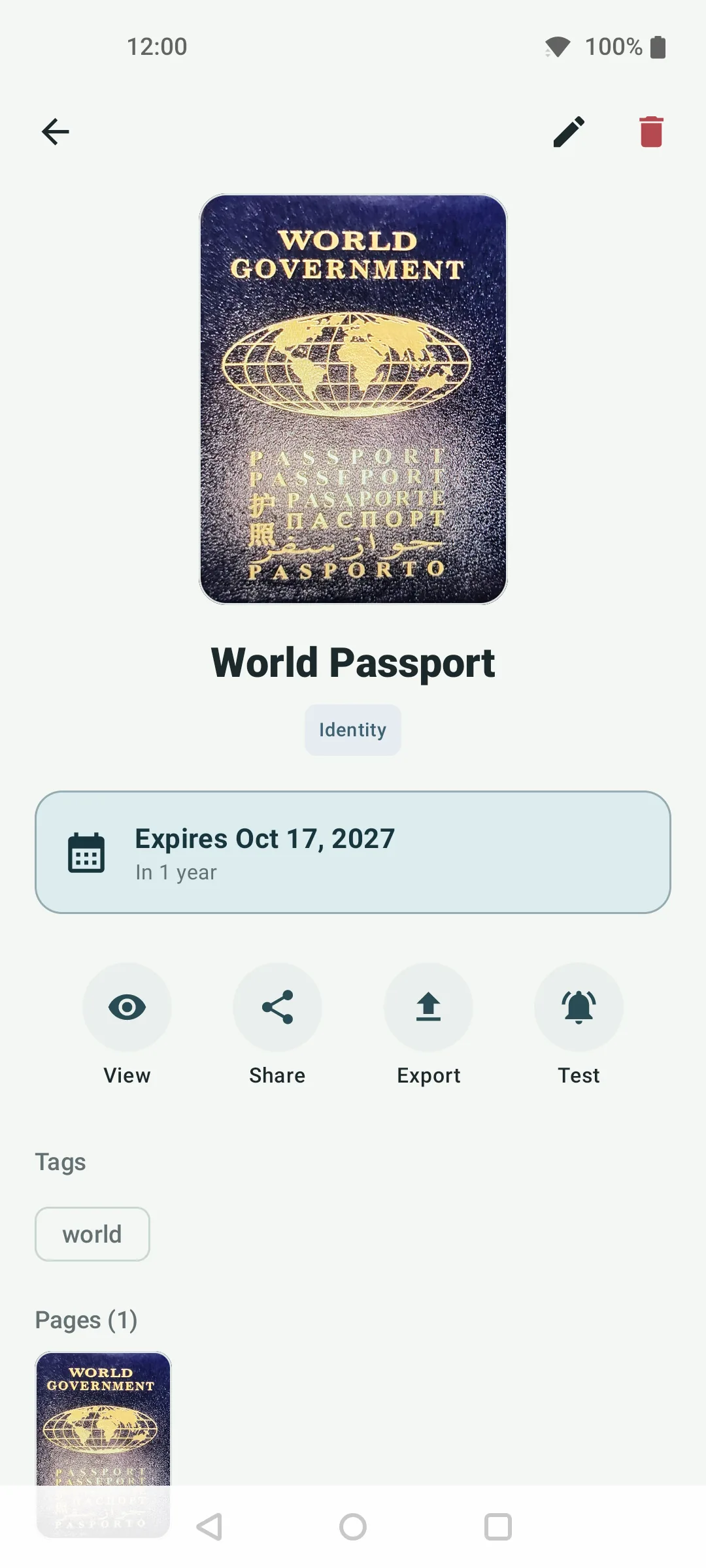
Optional dates per document. An Expiring view sorted nearest-first, plus on-device alarms and notifications before deadlines — rescheduled after reboot.
App-Private Storage Guarantee
Scans and PDFs live in the Android app sandbox. System backup and device-transfer rules exclude the vault, so documents never leave the phone unless you tap Share or Export.
<!-- AndroidManifest.xml (excerpt) -->
allowBackup="false"
dataExtractionRules="@xml/data_extraction_rules"
fullBackupContent="@xml/backup_rules"
# FileProvider: you approve every share/export
Declared Permissions, Nothing Hidden
No root, no device-admin, no special access. Every permission exists for one visible feature — and optional ones degrade gracefully when denied.
# why each permission exists
NOTIFICATIONS  expiry reminders you configure
EXACT_ALARM    precise timing (+inexact fallback)
BOOT_COMPLETED re-arm alarms after reboot
VIBRATE        notification haptics
NETWORK_STATE  connectivity check before sync
INTERNET       app services + policy page — vault docs never upload
// PRIVACY AUDIT
Built for privacy, verified by design.
How MrTrust Vault handles sensitive papers compared to commercial cloud vaults.
| Privacy & System Architecture | ◈ MrTrust Vault (Offline) | Standard Cloud Apps |
|---|---|---|
| Physical Storage Location | ✓ Vault files on device (AppSandbox) | ✕ Remote datacenters (AWS / GCP) |
| Document Uploads | ✓ Never — vault docs stay on device | ✕ Mandatory continuous sync |
| Account / Email Sign-up | ✓ Never required (open instantly) | ✕ Mandatory email / OAuth sign-in |
| Works Without Internet | ✓ vault, scan & reminders on-device | ✕ needs connection for sync & AI |
| OCR / AI Extraction | ✓ None — intentionally excluded | ✕ Server-side AI on your scans |
| Reminders | ✓ Native AlarmManager on CPU | ✕ Server cron jobs |
| Cost & Subscription Locks | ✓ 100% free · no subscription | ✕ $4.99–$9.99/mo cloud subscriptions |
// FIELD EVIDENCE · V1.0
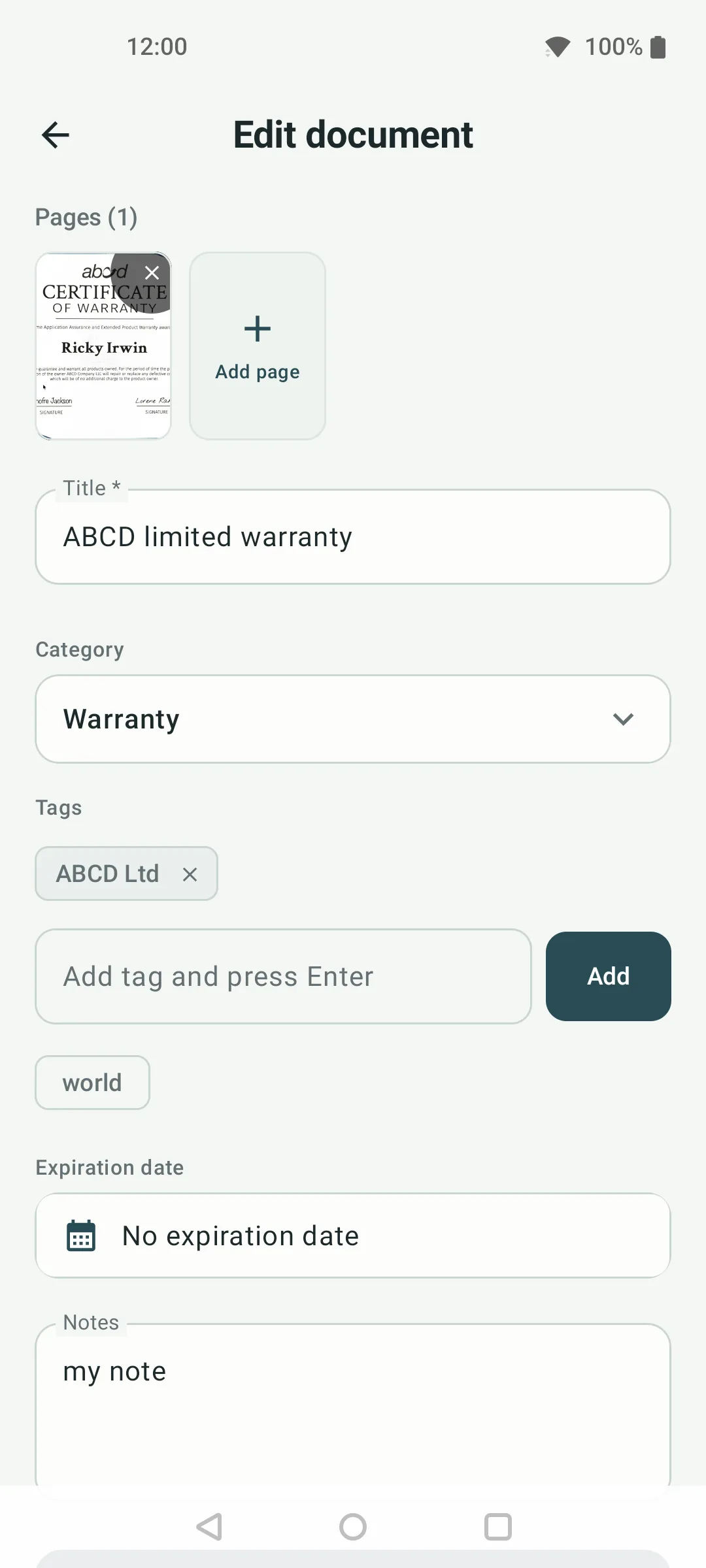
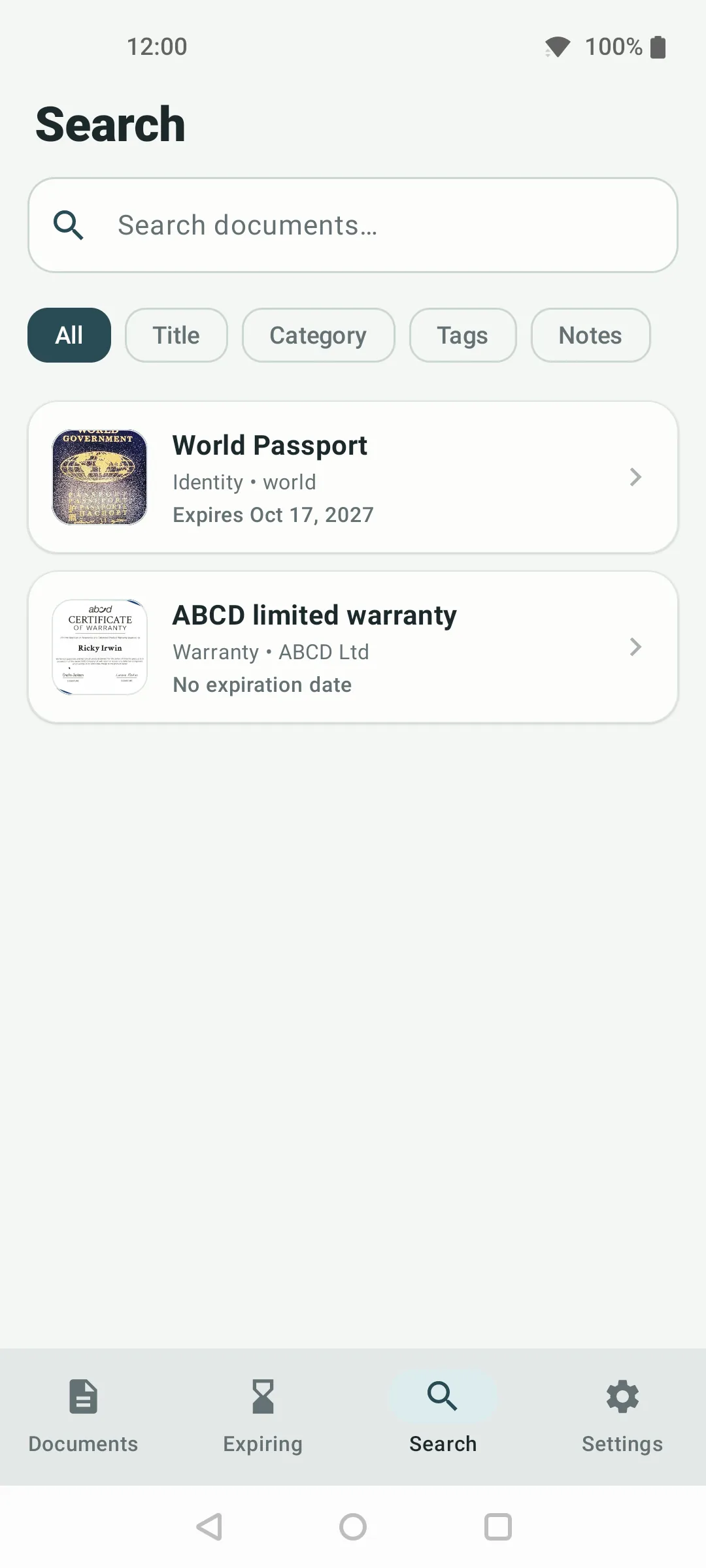
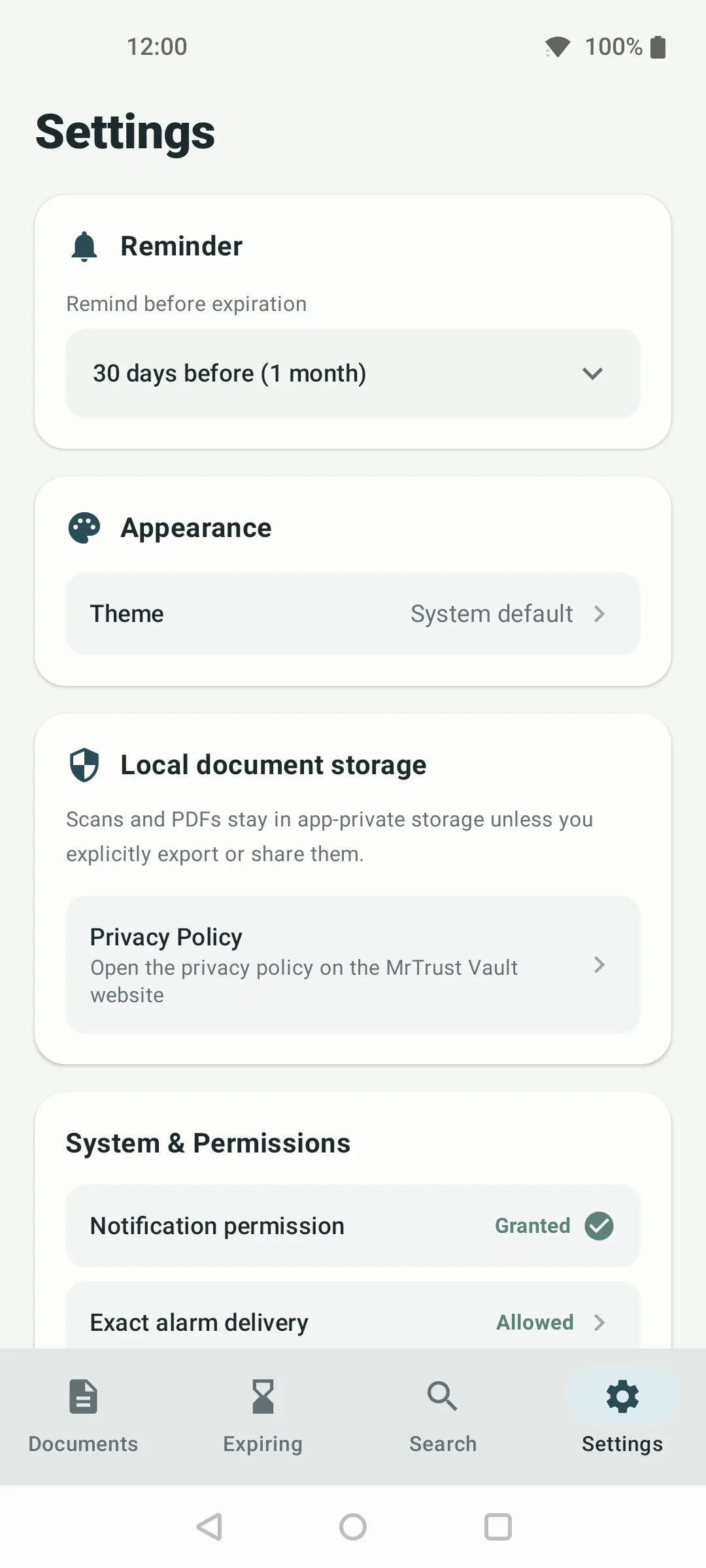
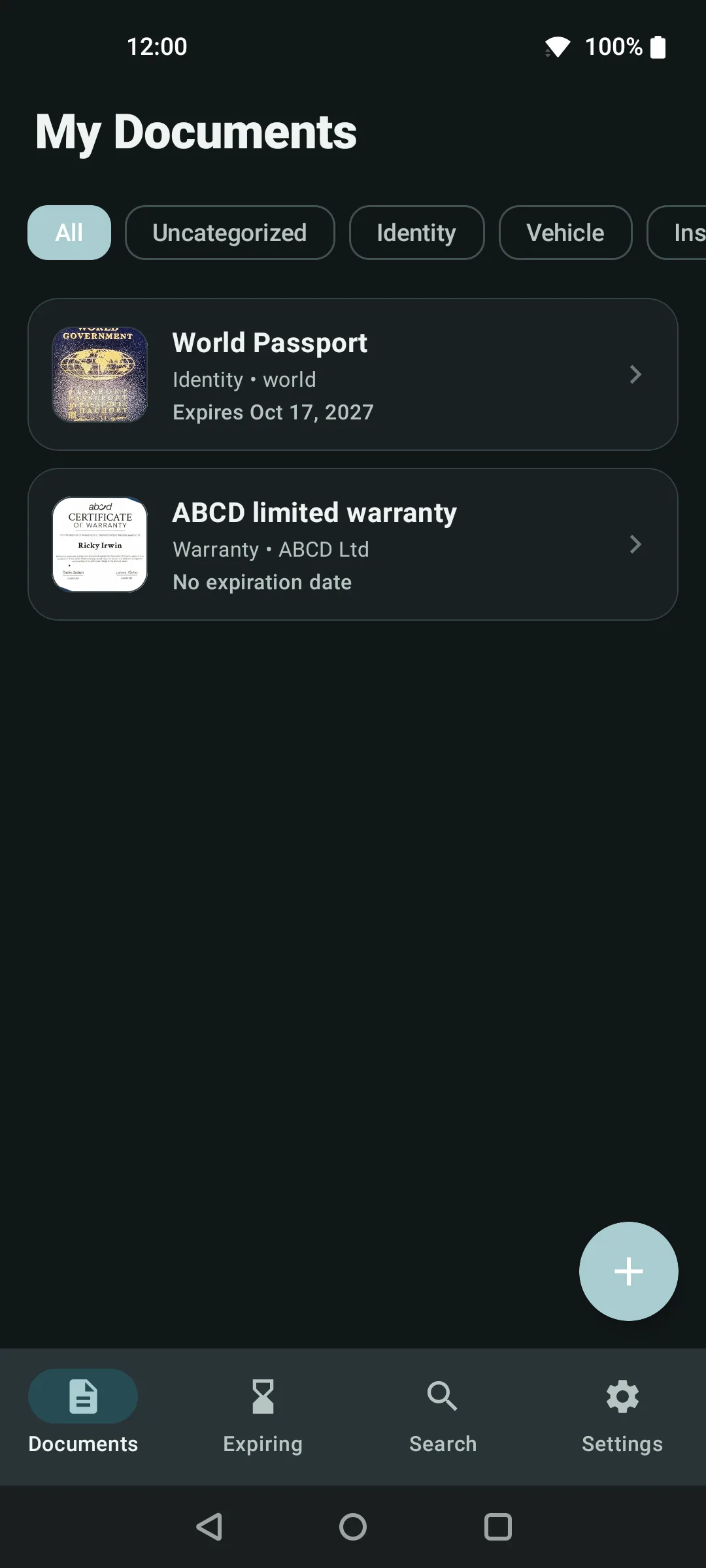
Real screens. No mockups.
Captured on Android — light and dark themes included.
Take sovereign control of your paperwork today.
One tap to install. Zero sign-ups, zero document-sync risks. For any stock Android device running Android 8.0 (API 26) or newer.
⬢ GOOGLE PLAY com.mrtrust.docvault